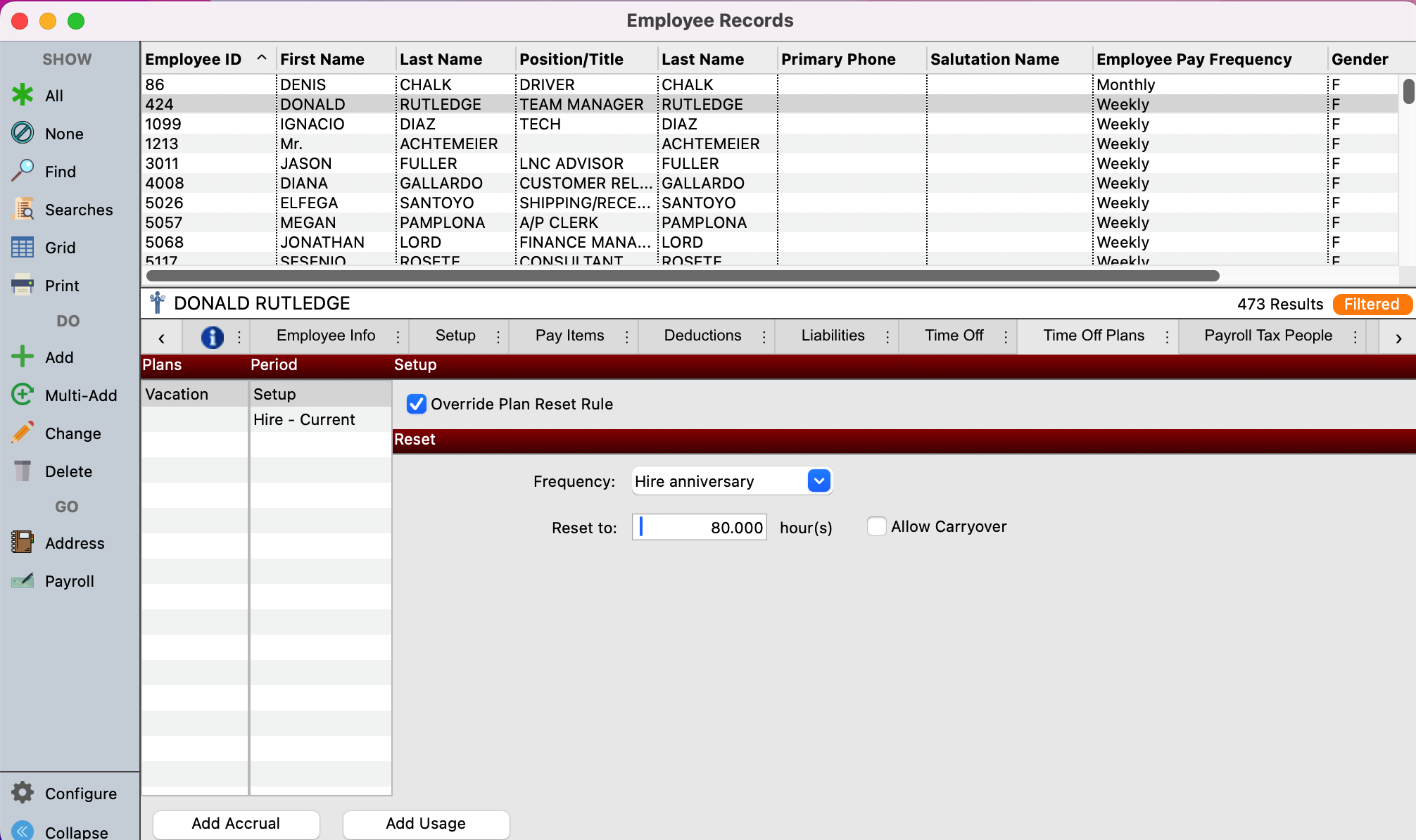
-
Go to Program → Payroll → Employee Record
-
Setup a Find to search for the employee you need to change.
-
Click to highlight the employee and click on the Time Off Plans tab.
-
Select the plan you want to modify under Plans
-
Then select Setup under Period.
-
Then, click on the Override Plan Reset Rule checkbox.
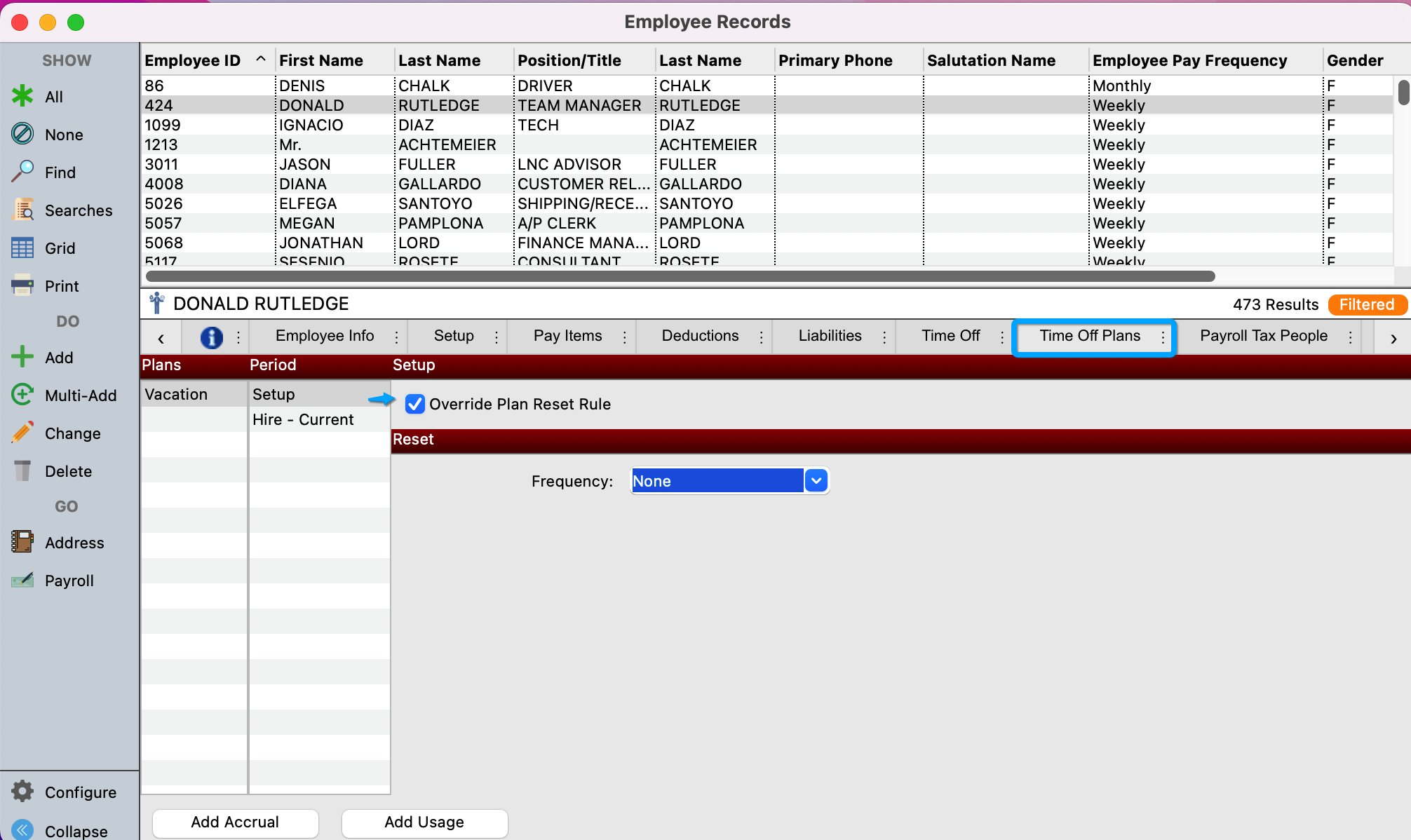
-
Use the drop-down box next to Frequency to select your reset option.
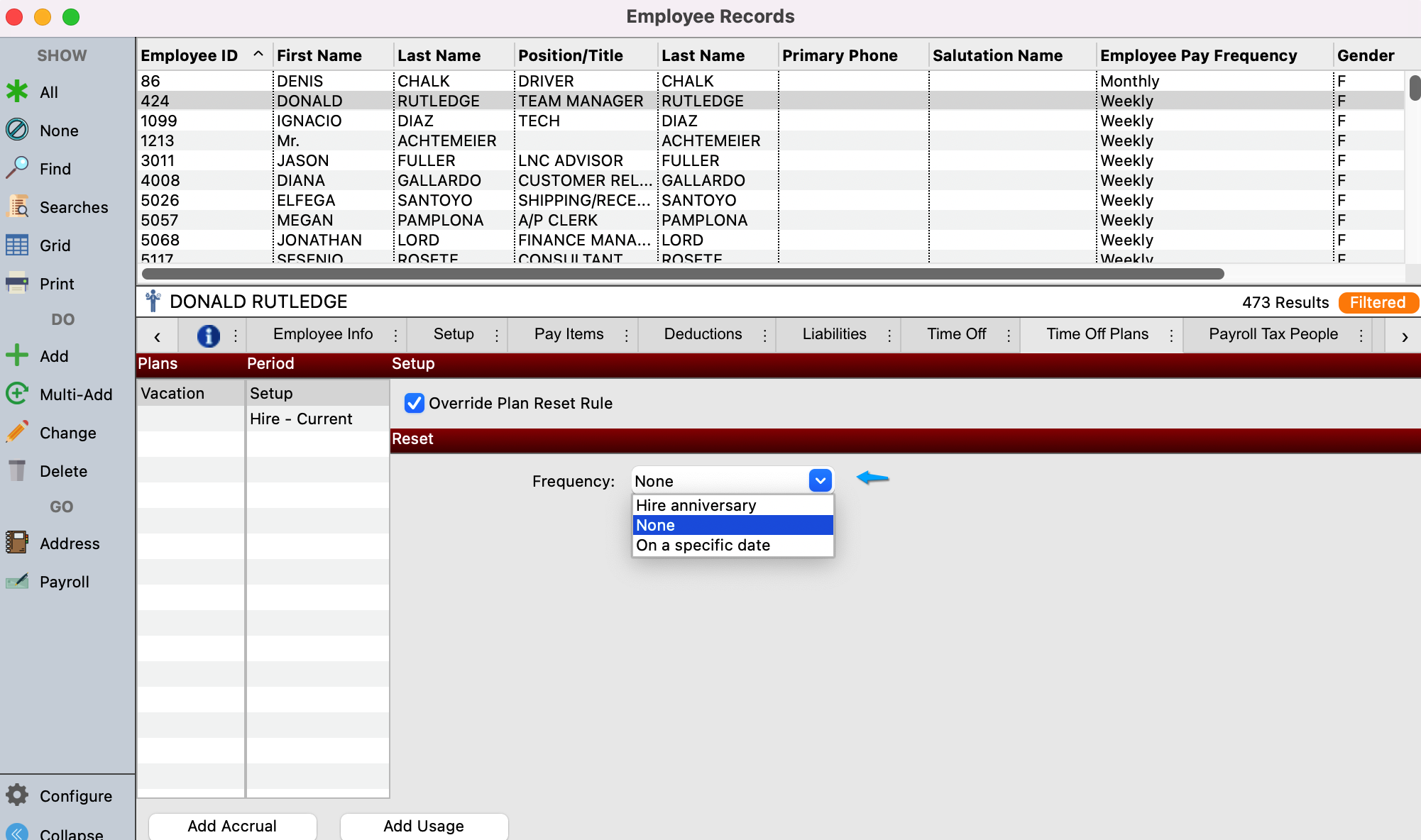
-
Input the necessary information.